HOW TO EXTEND YOUR VPS DISK ON WINDOWS 2012 SERVER
In this tutorials we will learn the procedure of extending Disk space from control panel. So lets start the tutorial:
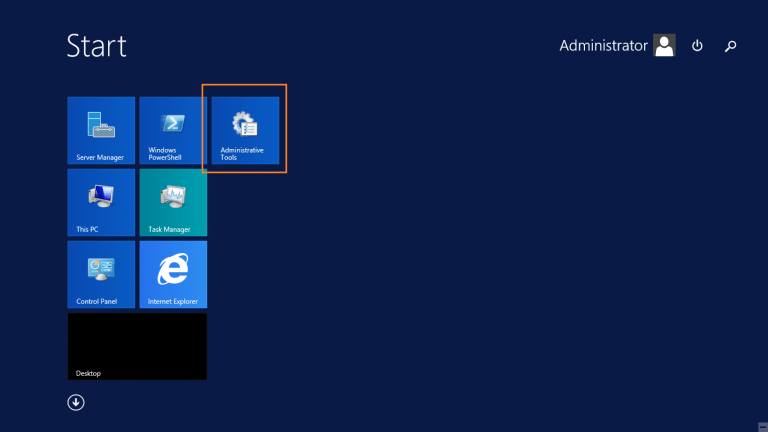
- Go the Start > Administrator Tools
- Go to [Disk Management]. Notice you have [Un allocated space] for your disk.
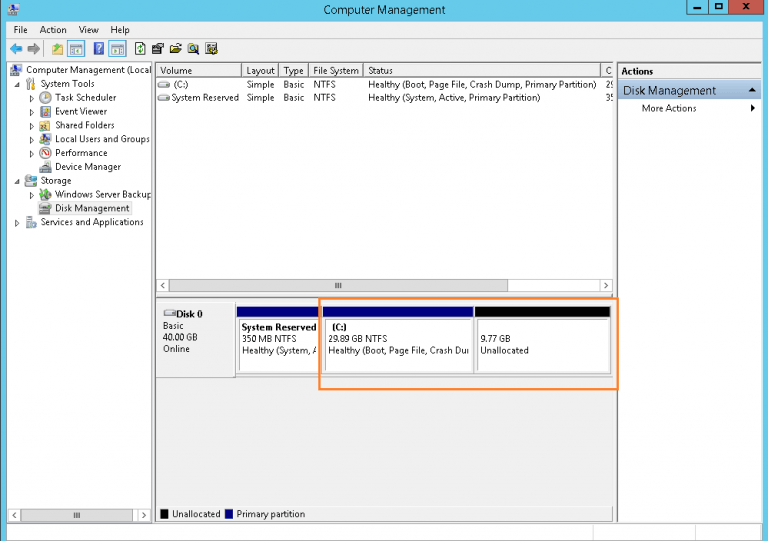
- Right click on the [C:] drive and choose [Extend Volume].
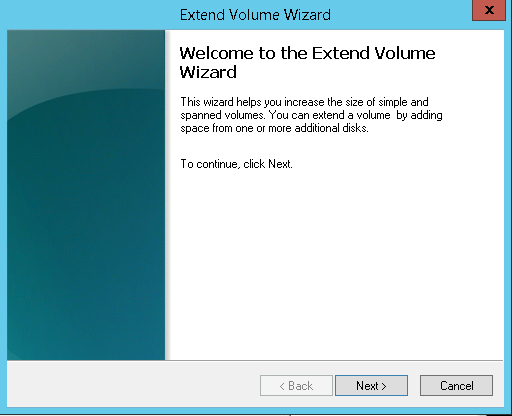
- Click [Next]. Note: The [Select the amount of Space in MB:] should match the [Maximum available space in MB:] to utilize all the unallocated disk space.
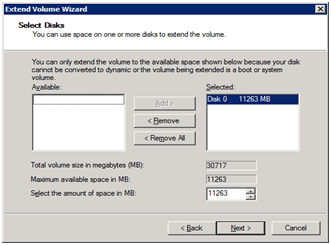
- Click [Finish].
- Done. You have extended the disk to utilize all available disk space.