HOW TO MONITOR WINDOWS SERVER RESOURCES
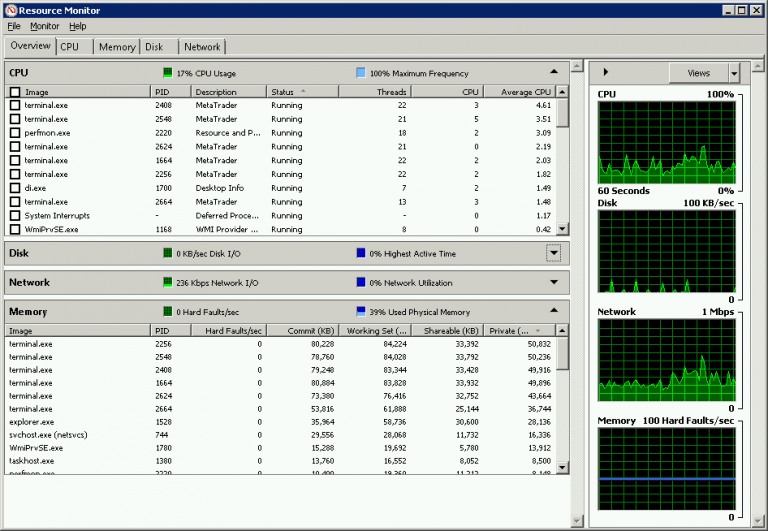
Resource Monitor is a great tool that you can use to monitor the usage of your CPU, Disk, Network, and Memory (RAM) in real time.
You don’t need to install anything as it’s installed by default on every Windows Server System.
To open Windows Resource Monitor go to [Start Menu] and in the search box, type [Resource Monitor], and then, in the list of results, click [Resource Monitor].